Creative Fabrica 3D Print Generator vs Traditional CAD Tools: Which One Should You Use?
3D printing has traditionally required advanced modeling software like Fusion 360, Blender, SolidWorks, or Tinkercad. But with the launch of Creative Fabrica’s 3D Print Generator, creators can now generate 3D printable models using simple text prompts.
So which option is better: AI-powered 3D generation or traditional CAD tools? Let’s break it down.
What Is the Creative Fabrica 3D Print Generator?
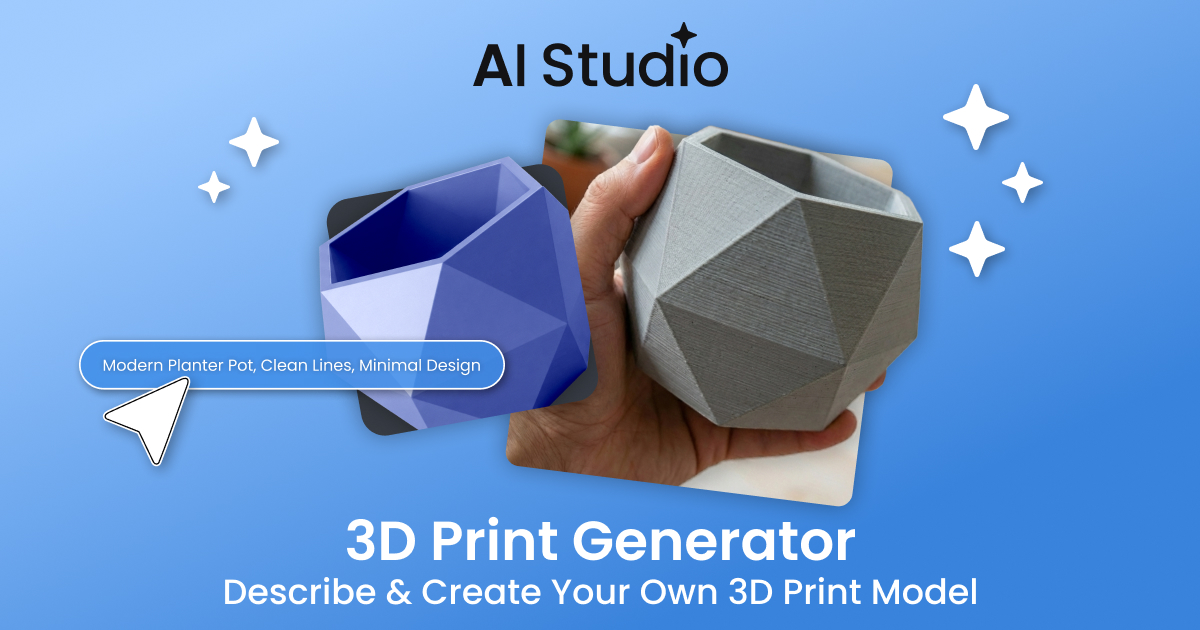
The 3D Print Generator is an AI-powered tool inside Creative Fabrica’s AI Studio. Instead of manually designing a model, you simply describe what you want — for example:
- “Minimalist modern flower vase”
- “Cute bear keychain with rounded edges”
- “Geometric desk organizer”
The AI then generates a downloadable 3D file (STL or GLB format) that you can import into your slicer software and print.
What Are Traditional CAD Tools?
CAD (Computer-Aided Design) tools like Fusion 360, Blender, or SolidWorks allow you to build 3D models manually. You control dimensions, tolerances, structure, and every geometric detail.
These tools are extremely powerful — but they require time, training, and technical knowledge.
Side-by-Side Comparison
| Feature | 3D Print Generator | Traditional CAD |
|---|---|---|
| Ease of Use | Very easy (text prompt) | Steep learning curve |
| Speed | Minutes | Hours or days |
| Precision Control | Limited | Full technical control |
| Best For | Quick ideas & simple objects | Engineering & complex parts |
| Skill Required | Beginner-friendly | Intermediate to advanced |
When to Use 3D Print Generator
- Rapid prototyping ideas
- Creating decorative items
- Generating keychains, vases, desk accessories
- Testing product concepts for Etsy or Shopify
- If you don’t want to learn CAD software
For print-on-demand sellers especially, speed and idea testing matter more than extreme technical precision.
When to Use Traditional CAD Tools
- Engineering-grade mechanical parts
- Precise tolerances and measurements
- Functional components with moving parts
- Professional industrial design projects
If you need exact dimensions down to fractions of a millimeter, CAD tools still dominate.
Which One Is Better for POD Sellers?
For most print-on-demand entrepreneurs, the Creative Fabrica 3D Print Generator is faster and more accessible. It allows you to experiment with product ideas without investing weeks learning complex modeling software.
However, if you plan to build technical or mechanical products, traditional CAD tools remain essential.
Final Verdict
The 3D Print Generator doesn’t replace CAD — it simplifies 3D creation. Think of it as the Canva of 3D printing: fast, accessible, and perfect for creators who want results quickly.
If your goal is speed, experimentation, and expanding into 3D products without a technical barrier, the AI-powered approach is worth testing.